
Introduction
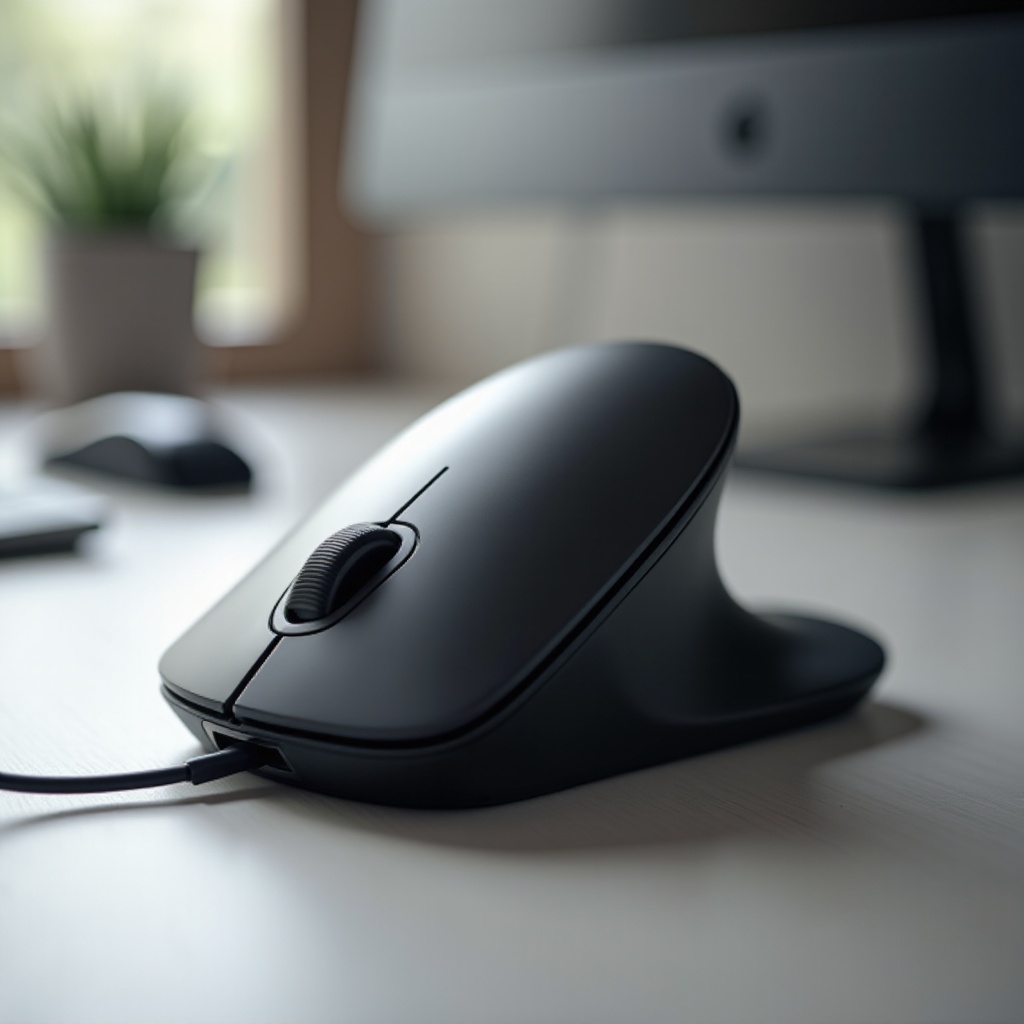
Finding the right mouse can transform your computing experience, especially when comfort and health are priorities. Vertical ergonomic mice offer a solution that reduces strain on your wrist and forearm by promoting a more natural handshake position. As more individuals acknowledge the significance of ergonomic peripherals, investing in these devices is wise to prevent repetitive strain injuries (RSIs). Whether you are a professional, student, or gamer, adopting a vertical ergonomic mouse could be crucial for your well-being.
Understanding Vertical Ergonomic Mice
Let’s examine the unique attributes and benefits of vertical ergonomic mice.
What is a Vertical Ergonomic Mouse?
Vertical ergonomic mice are crafted to support your hand in a more natural position, unlike traditional mice. Instead of twisting your wrist, you grip the mouse sideways, maintaining alignment between your wrist and forearm. This design helps minimize discomfort and lowers the risk of developing RSIs like carpal tunnel syndrome.
Benefits of Using a Vertical Ergonomic Mouse
- Reduced Strain: Keep your wrist neutral, decreasing muscle and tendon strain.
- Improved Comfort: Ergonomic design prevents discomfort during long use.
- Increased Control: Many users find this orientation enhances precision and movement control.

Top Features to Look for in a Vertical Ergonomic Mouse
Choosing the right mouse involves recognizing features that impact comfort and productivity.
Design and Comfort
The mouse should fit your hand comfortably, without forcing your fingers or wrist into awkward positions. Look for designs that contour naturally to your head shape.
DPI and Sensitivity Settings
DPI settings determine cursor movement relative to mouse movement. Adjustable settings allow customization for precision and control.
Connectivity Options
Decide between wired or wireless models. Wireless mice offer movement freedom, while wired mice ensure consistent connectivity with no battery needs.
Best Vertical Ergonomic Mice of 2024
We’ll explore top-performing models that cater to diverse needs.
Logitech MX Vertical
Regarded as the go-to option, the Logitech MX Vertical merges comfort with customizable features. Its ergonomic design supports long hours of use with advanced optical tracking.
Anker 2.4G Wireless Vertical Ergonomic Mouse
Praised for affordability and efficiency, this is a perfect entry-level vertical mouse. With wireless connectivity and adjustable DPI, Anker’s product is reliable and user-friendly.
Delux Ergonomic Vertical Mouse
With a focus on comfort and precision, this mouse is well-regarded for adaptive comfort and solid build. Users commend its smooth performance and ergonomic structure, making it a formidable market contender.
How to Choose the Right Vertical Ergonomic Mouse for You
Selecting the right vertical ergonomic mouse means considering your unique needs and preferences.
Assessing Hand Size and Grip Style
Ensure the mouse’s size aligns with your hand size and grip style, whether palm, claw, or fingertip. Some models suit larger hands better, while others are designed for smaller grips.
Matching with Your Usage Needs
Consider how you’ll use the mouse. Gamers may seek high DPI and responsiveness, while office workers might focus on comfort and battery longevity. Also, check button layouts if programmable buttons are a necessity.
Tips for Transitioning to a Vertical Mouse
Adjusting to a vertical mouse offers lasting benefits despite an initial learning curve.
Initial Setup and Adjustment
- Start Slowly: Begin with regular tasks using the new mouse.
- Increase Usage: Gradually employ it for more complex activities as you acclimate.
- Adjust Sensitivity: Tailor the mouse’s settings to your comfort.
Customizing for Comfort
Most vertical mice feature adjustable settings. Use these to ensure the mouse’s performance meets your comfort and productivity requirements, making it versatile for both work and leisure.
Conclusion
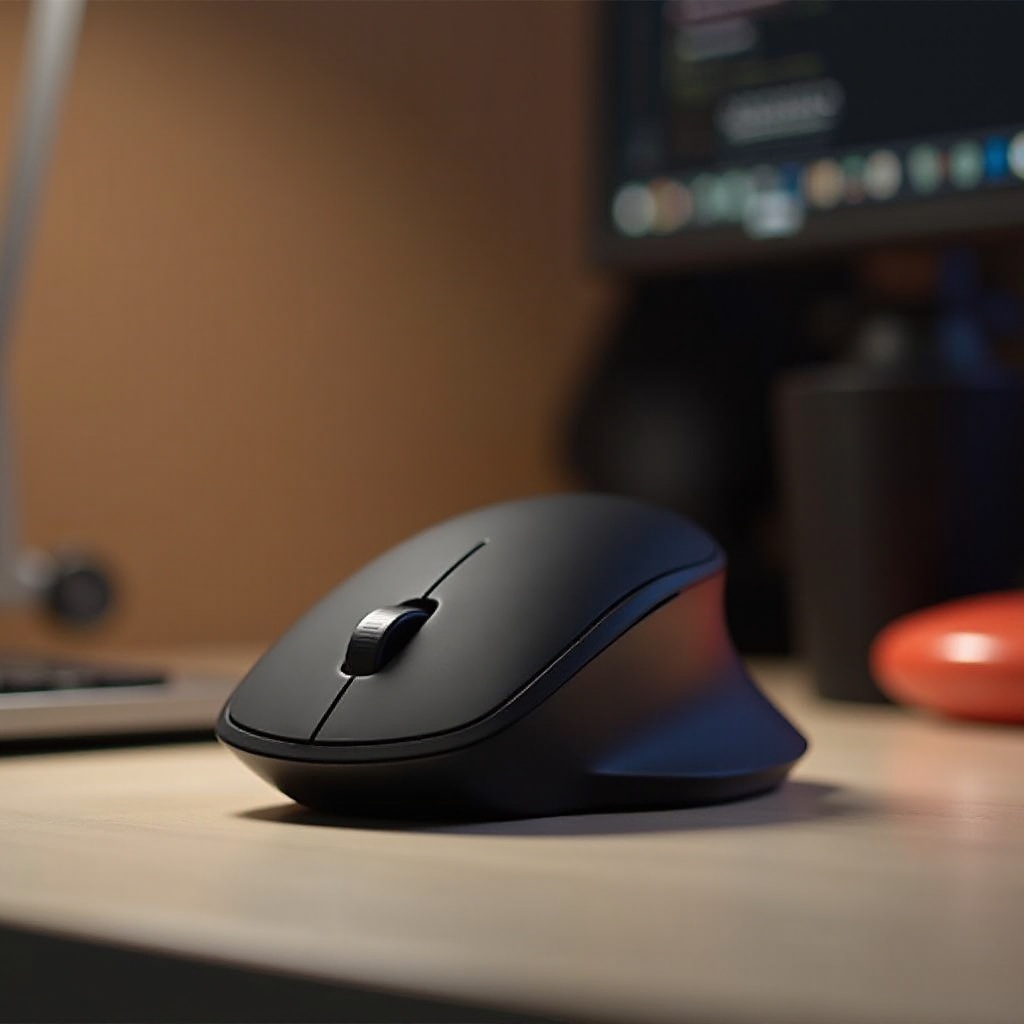
Switching to a vertical ergonomic mouse enhances comfort and fosters long-term health benefits. By choosing a design that fits your needs, you can avoid strain injuries and maintain productivity. Investing in ergonomic solutions like a vertical mouse is a proactive step toward a healthier work environment.
Frequently Asked Questions
What are the benefits of using a vertical ergonomic mouse?
Vertical ergonomic mice keep the wrist and forearm aligned, reducing strain and the risk of repetitive strain injuries.
Are vertical mice good for gaming?
Yes, many vertical mice have high DPI settings and customizable buttons, which are advantageous for gaming, though personal preference is key.
How long does it take to adjust to a vertical mouse?
Adjustment times vary, but most users adapt within a few days to weeks. Gradual use helps with acclimation.